
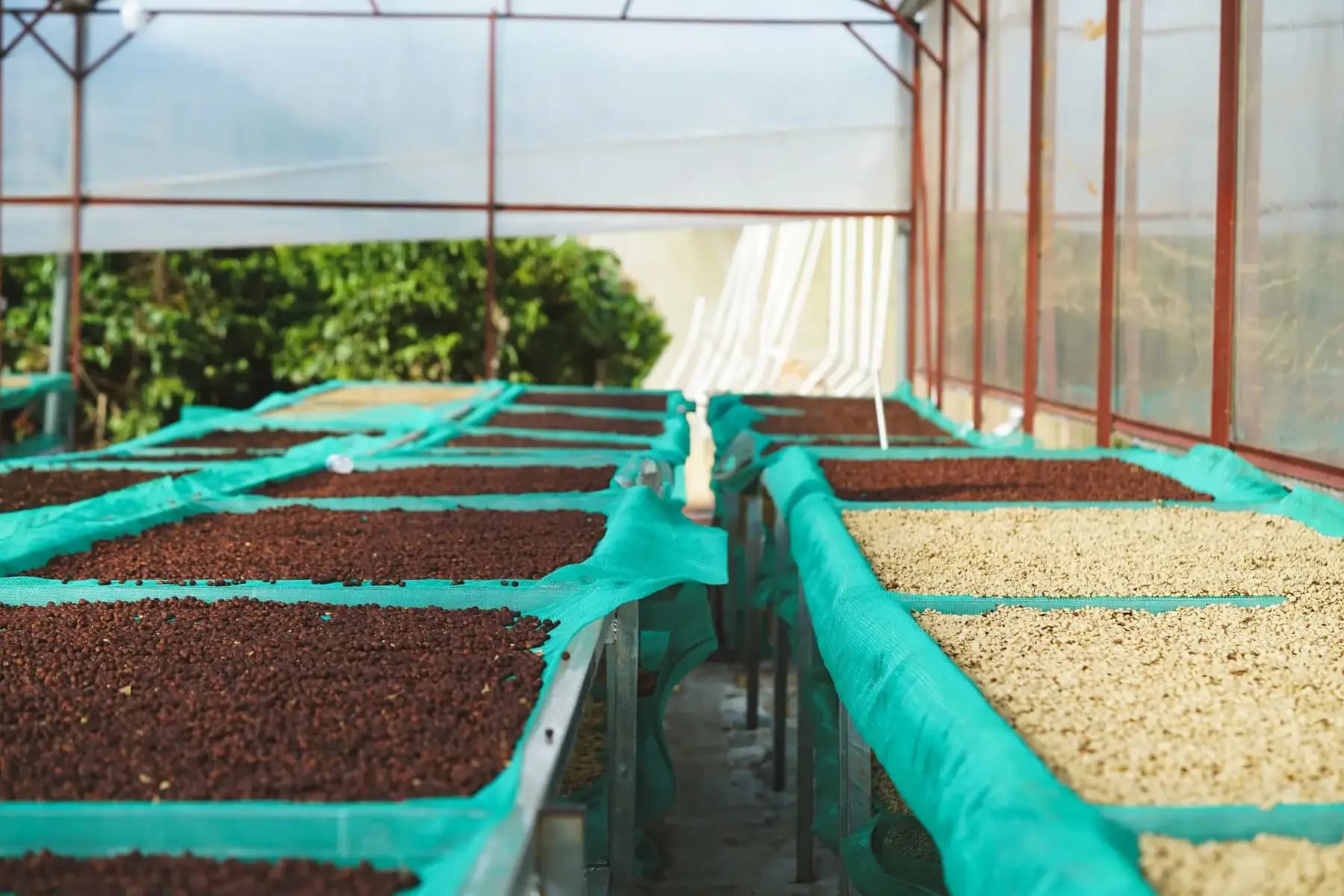
Coffee processing software where yield is derived, not guessed.
A processing batch is the point where cherry becomes something you can sell. ANCHOR COFFEE ERP records what went in, what came out, and everything the buyer and the regulator will later want to know about it.
Every batch produces a lot automatically
Record the input cherry weight, the process type and the output green weight. The system creates and codes the lot for you and calculates the yield percentage from the actual figures rather than from a typed-in estimate.
- Input cherry, process type and output green per batch
- Lot created and coded automatically
- Green yield percentage derived automatically
- Grade, moisture and screening captured per batch
Compare processes on real numbers
With yield captured per batch, washed, natural, honey and experimental processes can be compared on the figures they actually produced across your stations, rather than on recollection.
- Green output by process across the operation
- Yield per station and per process
- Cost per kilogram of green produced
- Period filters from a single day to all time
Batch to lot to inventory to shipment
The link between a processing batch, the lot it produced, the stock it entered and the shipment it left in is preserved. That is what makes traceability a query rather than an investigation.
- Batch → lot → inventory → shipment stays linked
- Backward trace from a shipment to the plot
- Forward trace from a lot to every shipment containing it
- Per-lot movement history with reason and actor
Made for the station, not the head office
Supervisors and operators record batches at the station, including when there is no signal. Records are saved on the device, queued in an outbox, and synchronised when connectivity returns.
- Station-scoped visibility for supervisors and operators
- Installable mobile-first app
- Offline writes queued and synced automatically
- Sync centre for pending and failed records
coffee processing software, answered.
It is derived from the output green weight against the input cherry weight you recorded for that batch. You never type the percentage in.
See it against your own operation.
Tell us how your stations, paperwork and reporting work today. We’ll show you what changes.